1 Overview
SoftwareCentral consists of three major parts – an administration part, a support part and a shopping part.
The administration part is a collection of functions designed to provide easy management of the Microsoft Endpoint Configuration Manager (MECM) and Microsoft Endpoint Manager (Intune) resources such as managing computers, applications, templates and software groups.
This part also includes the unique SoftwareCentral Security role implementation and the settings for SoftwareCentral.
The support part is a collection of functions helping supporters and IT staff to do reinstallation and cloning of computers in a fast and simple manner.
It also enables supporters and IT staff to manage applications and software on corporate devices.
The shopping part is a complete and easy to use shopping module where corporate users may order software directly from the Microsoft SCCM server.
The shopping system also features a dynamic approval system ensuring an efficient work flow throughout the organization.
2 Installation
Installing SoftwareCentral is easy. Just follow the steps in the "Install SoftwareCentral" chapter. If you prepare the users, AD-groups and databases as described in the "Prerequisites" chapter, the installation will go even faster.
Updates come on a regular basis. We recommend that you update SoftwareCentral at least once a year. See the chapter Update SoftwareCentral for information on how to update SoftwareCentral.
The installer asks you to choose between two editions. The choice is made once, so decide before you install.
| Intune only | With ConfigMgr support | |
|---|---|---|
| Choose in the installer | Disable ConfigMgr support | Leave ConfigMgr support enabled. The installer then asks for your Configuration Manager details. |
| Service account | Can be a local account (servername\username) | Must be a domain user |
| Settings to fill in after the installation | Only Application Base URL | Server details such as the reporting server and package share(s), and the root folders and collections under SCCM Folders and Collections |
| Changing the edition later | Not possible. It requires a new installation with a new database. | |
3 Configuration
When SoftwareCentral is installed, some basic configuration is needed for it to work. See the chapter "Configure SoftwareCentral for the first time" for how to connect SoftwareCentral to your SCCM environment.
You may find the chapter on "How does SoftwareCentral work?" interesting. It describes how SoftwareCentral works and what you can do to improve the integration with your SCCM environment.
Task Sequences
SoftwareCentral has a wide range of features for importing and reinstalling devices. But many of these features requires that your task sequences are configured to read the variables SoftwareCentral applies. See the chapter Task Sequence Configuration for more information.
Active Directory
In order to use the Active Directory functionality in SoftwareCentral, the SoftwareCentral service account must be granted permissions in the Active Directory. See the chapter Active Directory Module Delegation of privilege for more information.
Untrusted domains are supported by SoftwareCentral. See the chapter SoftwareCentral Untrusted Domain Support for more information.
Pre-Windows 2000 domain names requires a little extra configuration. See the chapter Pre-Windows 2000 domain names for more information.
Tools and other features
SoftwareCentral can display live deployment data from clients. To get the best experience with this, it should be configured. See the chapter Deployment Manager Configuration for more information.
You can run tools locally directly from SoftwareCentral, both you own and some predefined such as the remote control tool. This requires a SoftwareCentral client. It does not have to be deployed, but must be available on a public network share. See the chapter External Tools Configuration for more information.
4 Security and delegation
To delegate packages, devices, users and functions you need to know about Package Security Groups and Security Roles.
5 Functionality overview
View the chapter Functionality Overview for a brief overview of the functionalities in SoftwareCentral.
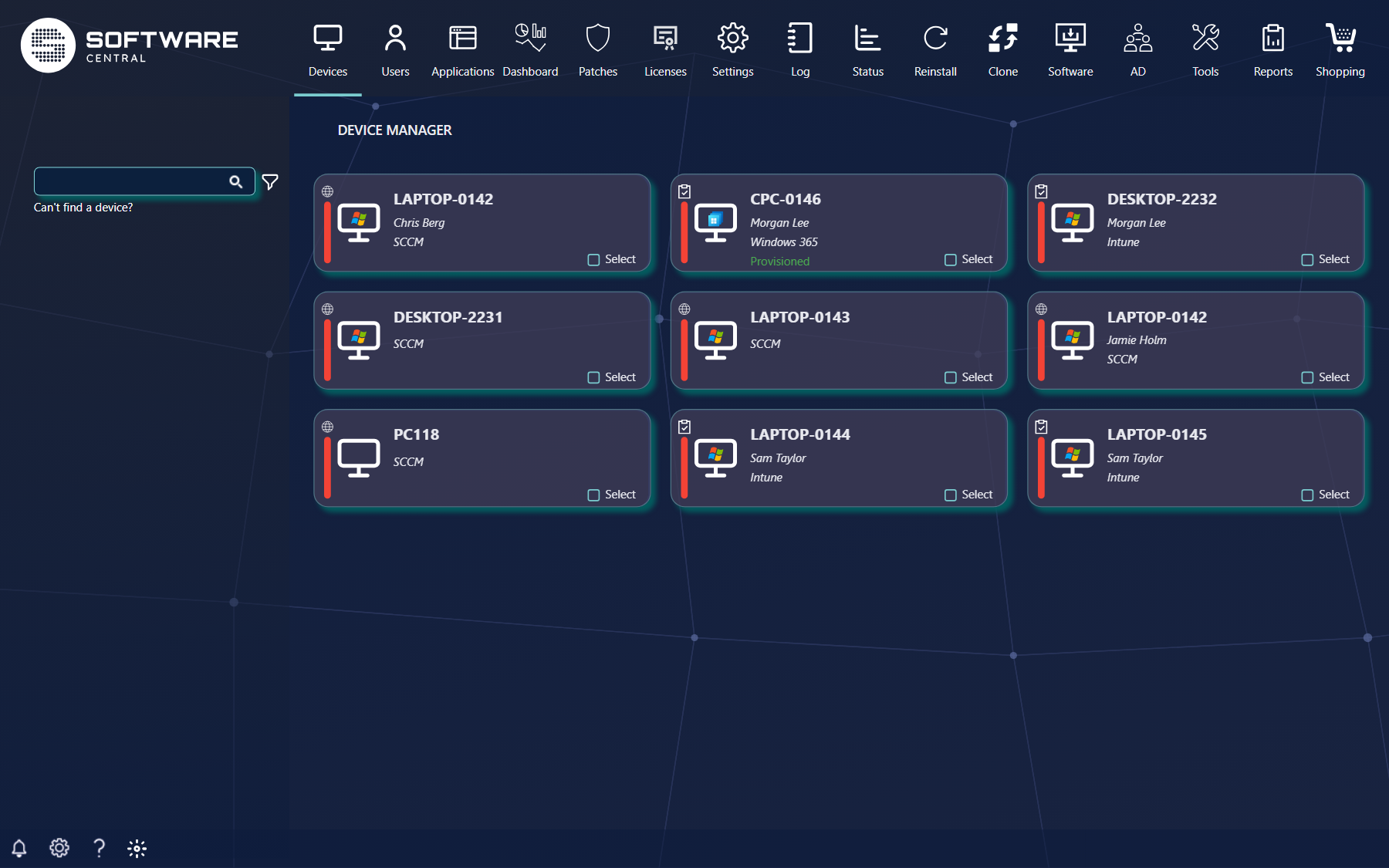
To get to know the interface, view the chapter Interface Overview and all of the subchapters below that.
6 Where to go next
| Chapter | Read it when you want to |
|---|---|
| Prerequisites | Check the server, SQL, accounts, firewall ports and permissions before you install. |
| Install SoftwareCentral | Run the installer. |
| Configure SoftwareCentral for the first time | Connect the new installation to the database, Intune and your administrator group. |
| Task Sequence Configuration | Make your task sequences read the variables SoftwareCentral sets. |
| Active Directory Module Delegation of privilege | Give the service account the permissions it needs in Active Directory. |
| Deployment Manager Configuration | Show live deployment data from clients. |
| External Tools Configuration | Run your own and predefined tools, such as remote control, from SoftwareCentral. |
| Security Roles | Delegate functions to your colleagues. |
| Package Security Groups | Delegate packages and devices. |
| Functionality Overview | Get a brief overview of what SoftwareCentral can do. |
7 Best practice
- Do the Prerequisites first, so the installer can create the database, logins and app registration without manual steps.
- Set up HTTPS and a host name before users start to use SoftwareCentral. See Configure HTTPS.
- After each change to a connection or permission, use Test connections under Settings to confirm that everything still works.
- Back up the SoftwareCentral database before you update, and keep SoftwareCentral up to date.