Intune Application Templates
| Interfaces > Settings > Intune Application Templates |
With templates for Intune (Microsoft Endpoint Manager) applications you can predefine various settings for importing.
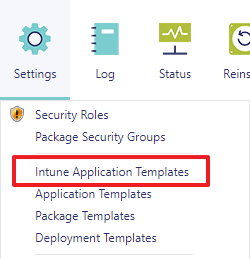
The administration interface for Intune application templates is found under the Settings menu:
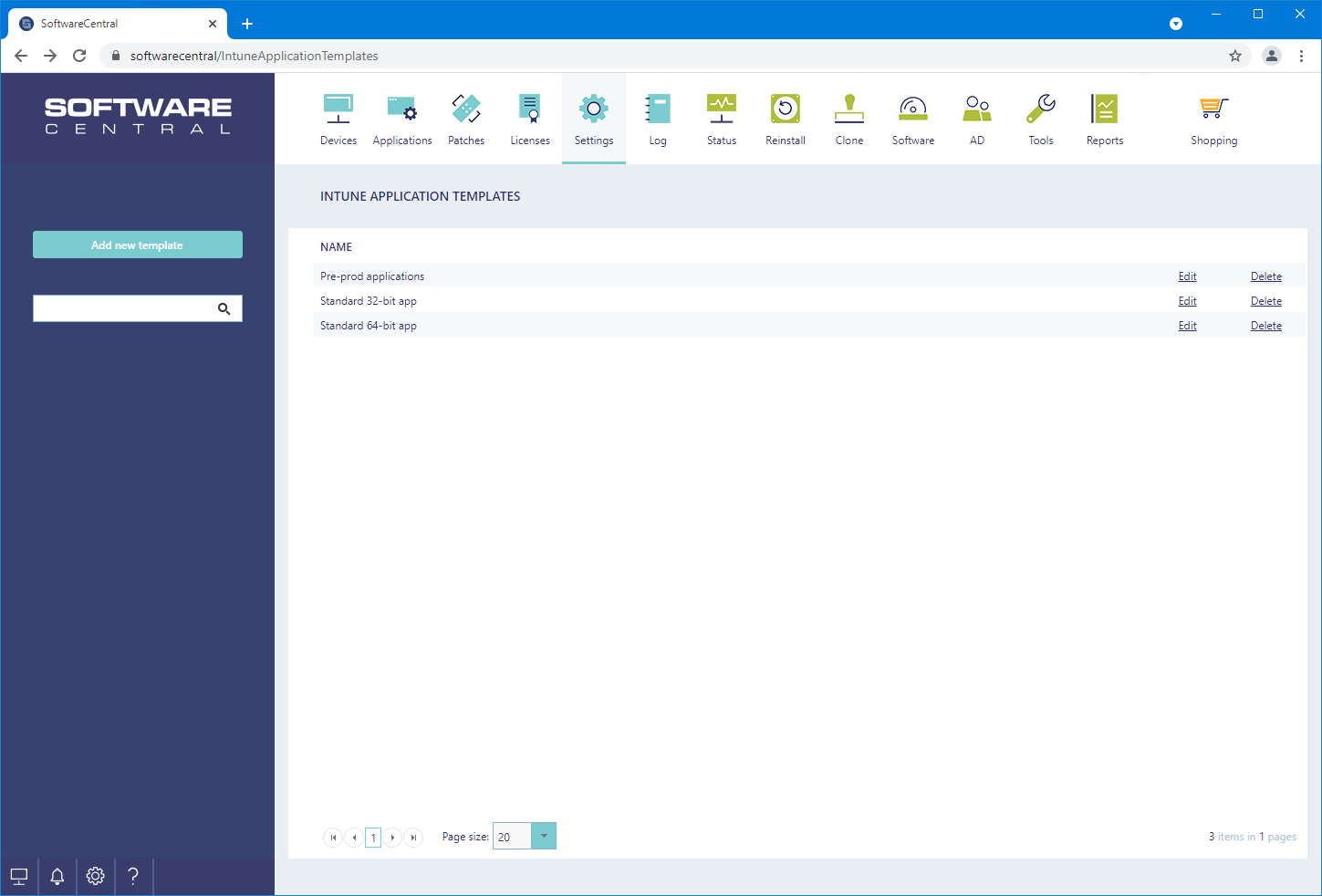
From the administration interface you can manage the existing templates and add new templates.
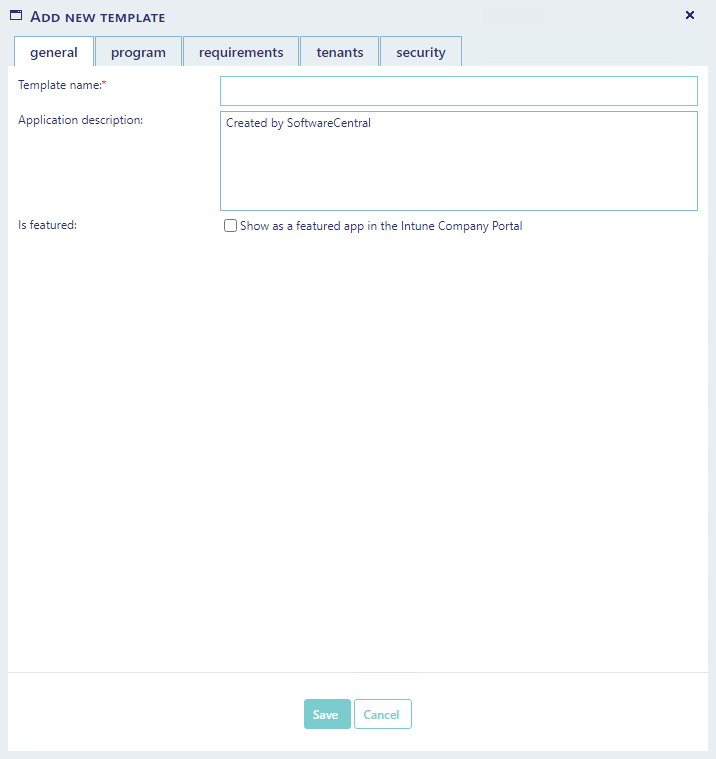
The settings available are divided into four categories.
From the general tab, you can enter the name of the template.
The description field will be visible to end users in the company portal.
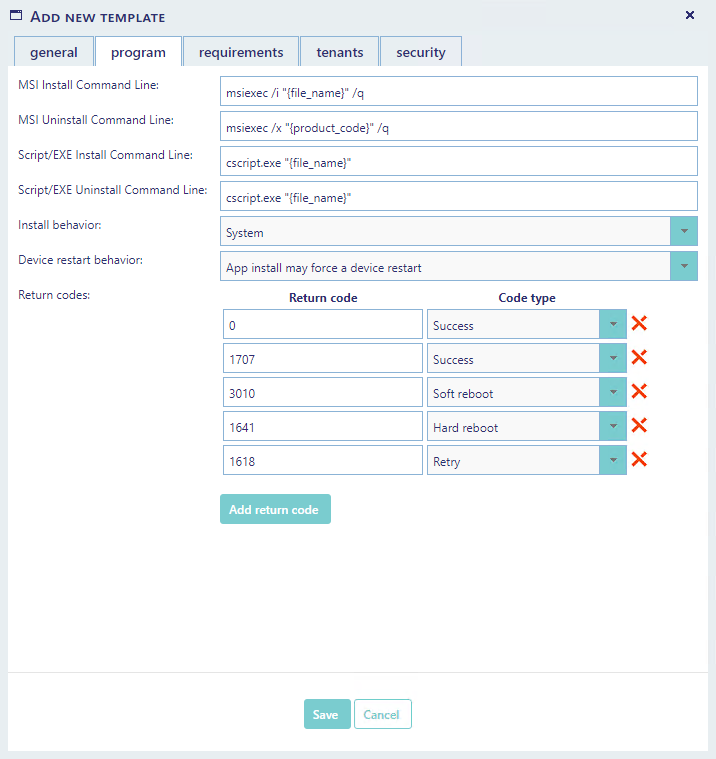
From the program tab, you can specify the commands used to install the program.
Note that {file_name} and {product_code} are variables that will be replaced by the actual values when an application is imported.
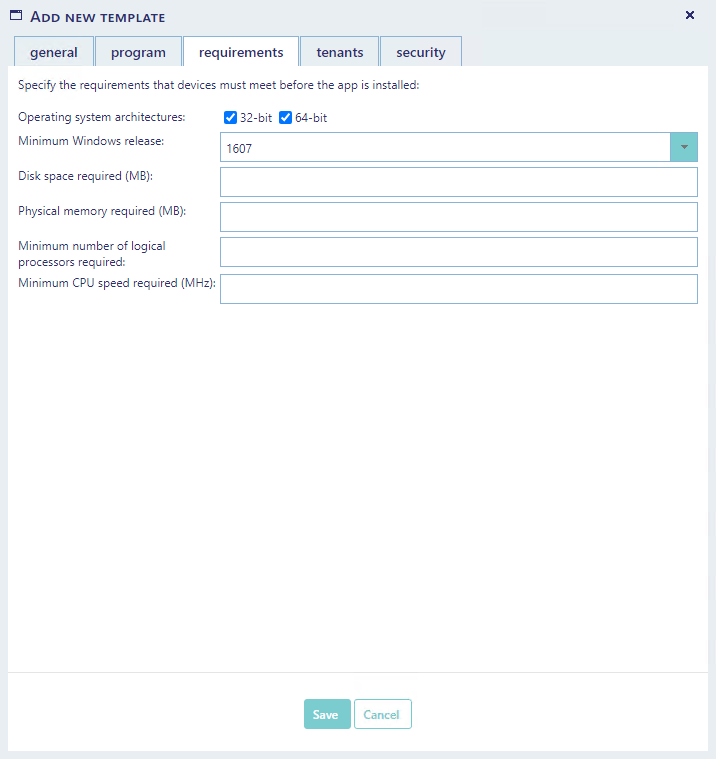
From the requirements tab you can specify the requirements that devices must meet before the applications are installed.
Note that in the "Minimum Windows release" drop-down you can add custom values if the required version is not available from the list.
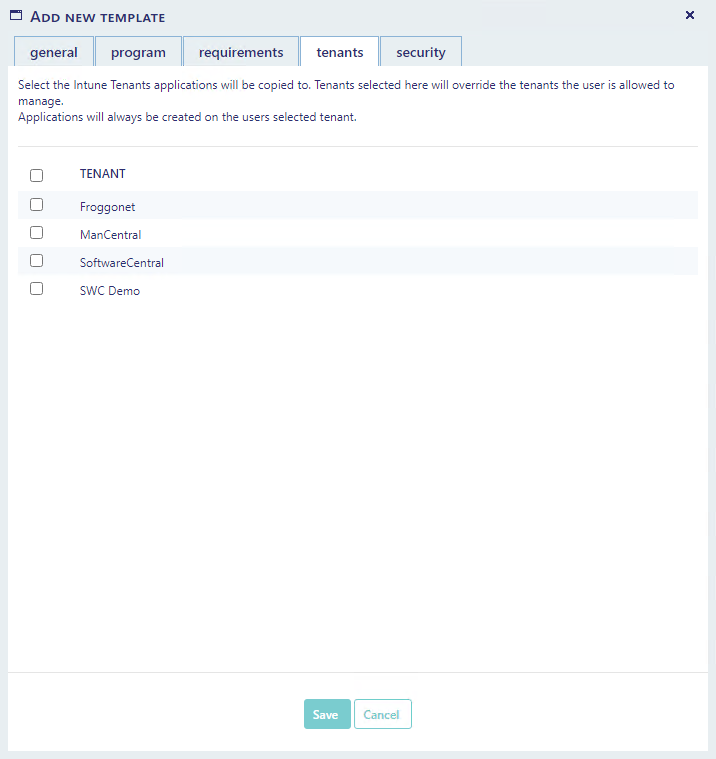
From the tenants tab you can define which Intune tenants applications will be created on.
Applications will always be created on the tenant the user has selected.
Do not select any tenants on this screen if you only want to create the application on the users currently selected tenant.
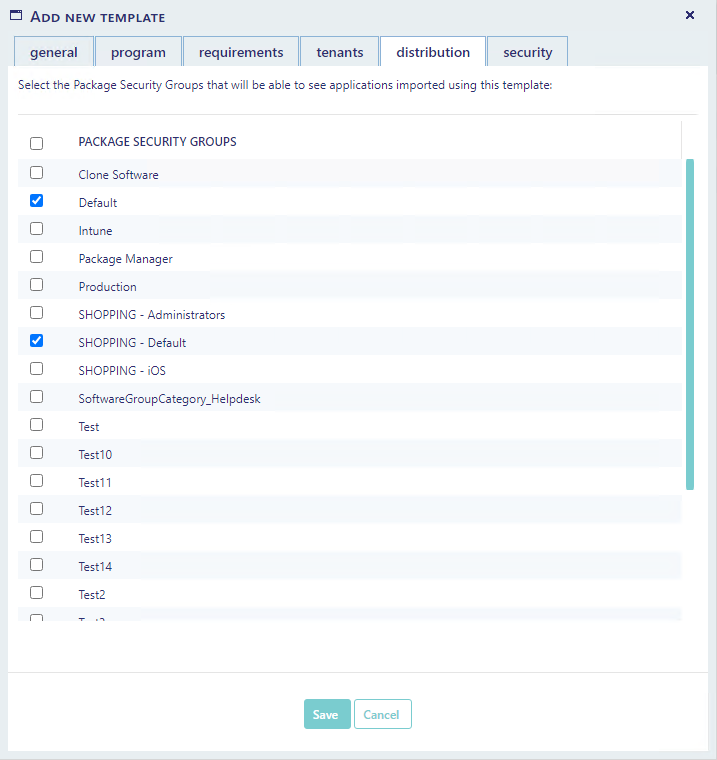
From the distribution tab you can define which Package Security Groups an application will be added to when it is imported.
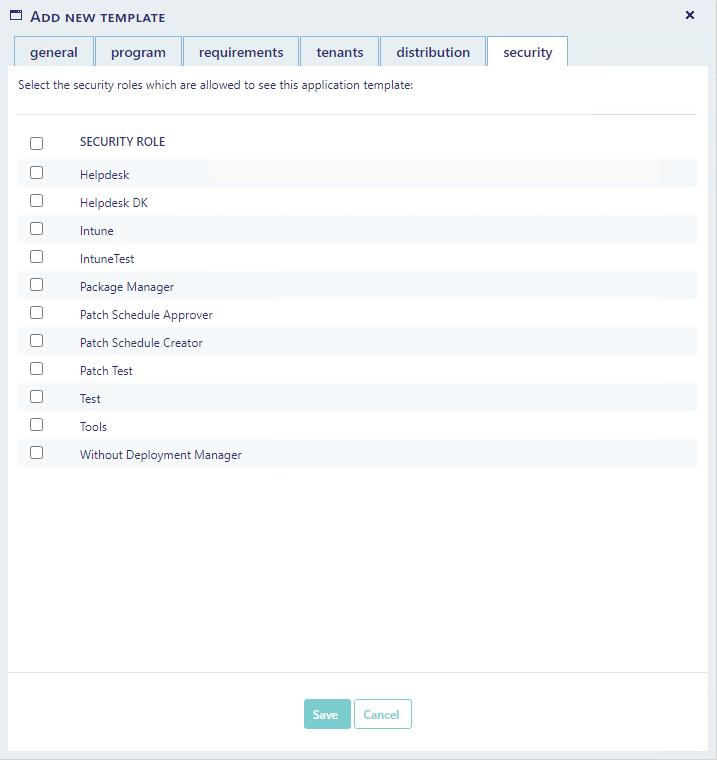
From the security tab you can control which security roles are allowed to use and or manage this application template. This can also be controlled from the security roles interface.