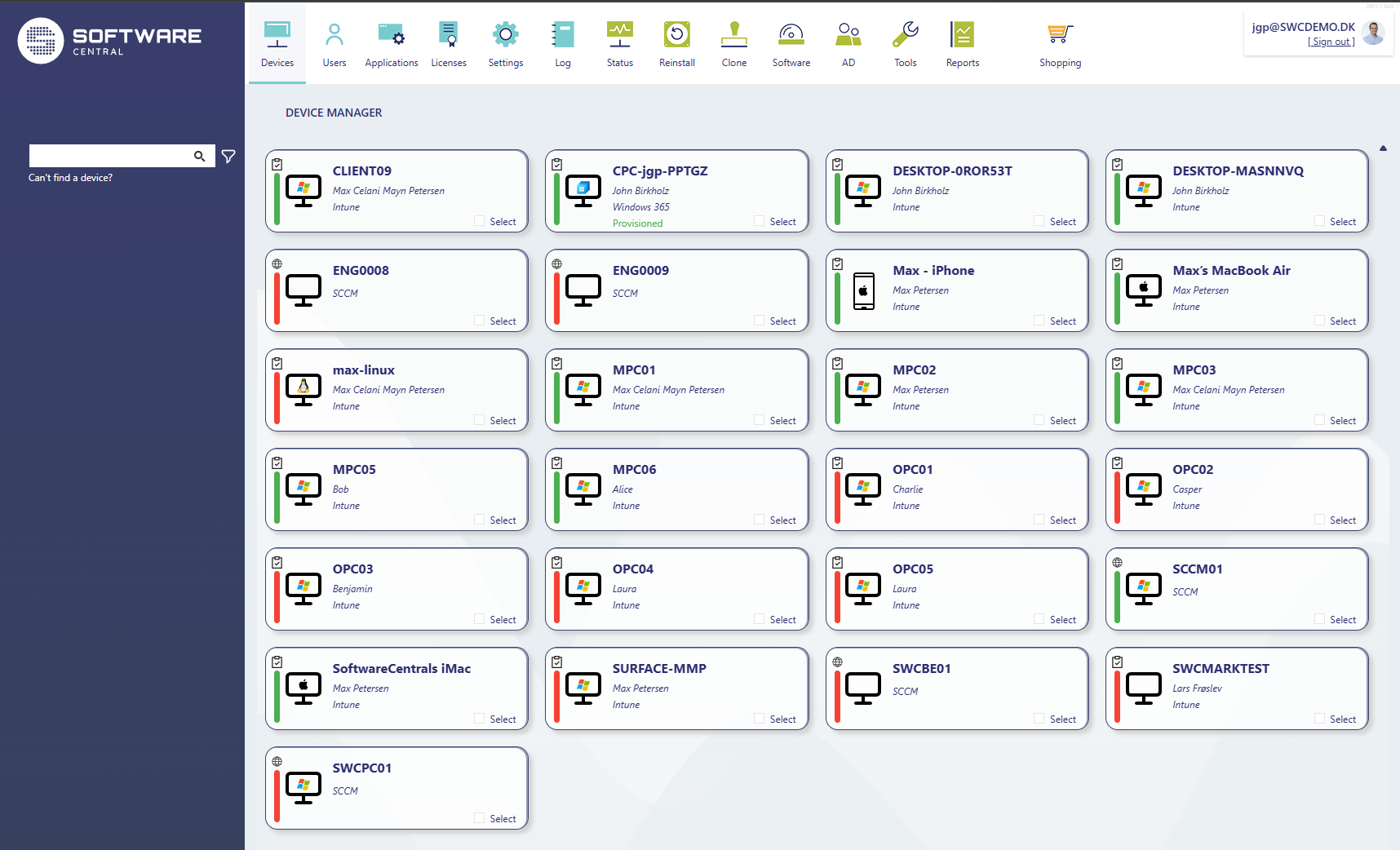
Real-time insight
The overview dashboard now includes real-time insights such as online status for SCCM devices and compliance status for Intune devices. Performance has also been significantly improved, with data loading simultaneously to deliver a faster and more responsive user experience.
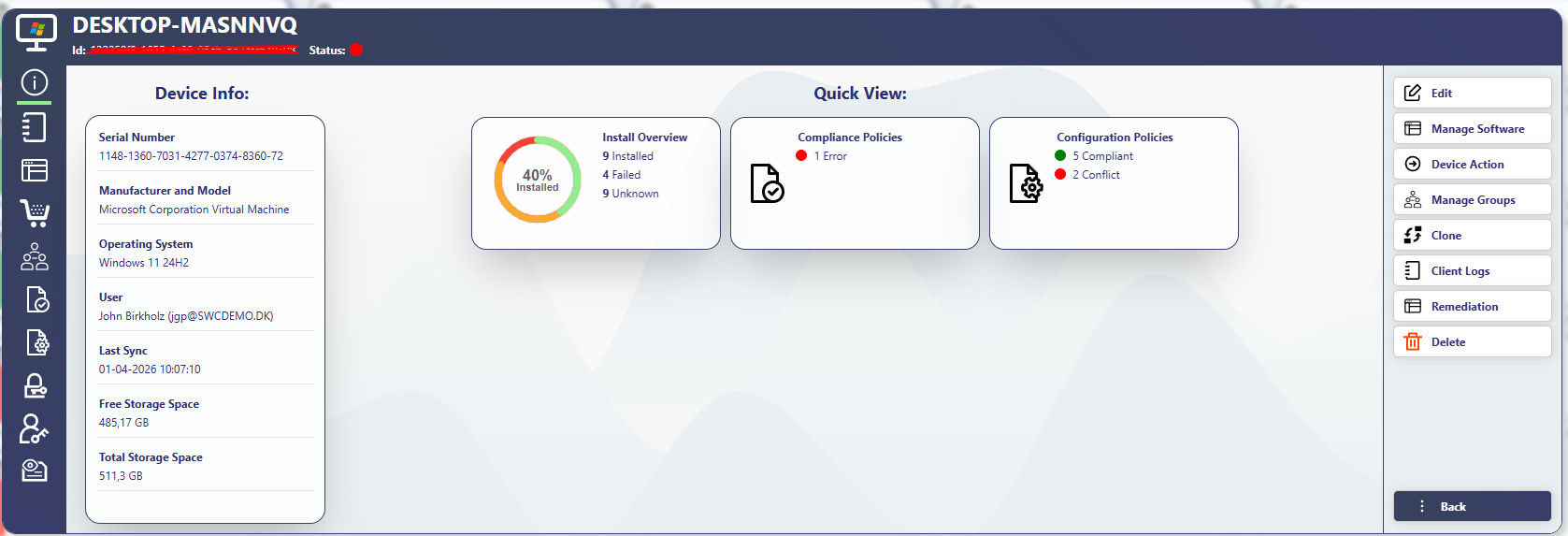
Everything about a device in one place
A key highlight is the enhanced device overview, which consolidates detailed information including installation status, log messages, shop orders, and group memberships. Administrators can also access compliance and configuration policy details, BitLocker keys, administrative passwords, and assigned licenses directly from one place.
Bulk actions across SCCM and Intune devices streamline large-scale operations, while redesigned workflows improve tasks such as software management, device reinstallation, cloning, and deletion. Additional updates include improved handling of Intune groups, SCCM scripts, and shutdown actions.
Security roles
The release also introduces a multi-layered security role setup, enabling organizations to tailor access and permissions with greater precision. Overall, the new Device Manager marks a significant step forward in efficiency and control for IT administrators.